

Initiation au Montage Vidéo
Initiation au Montage Vidéo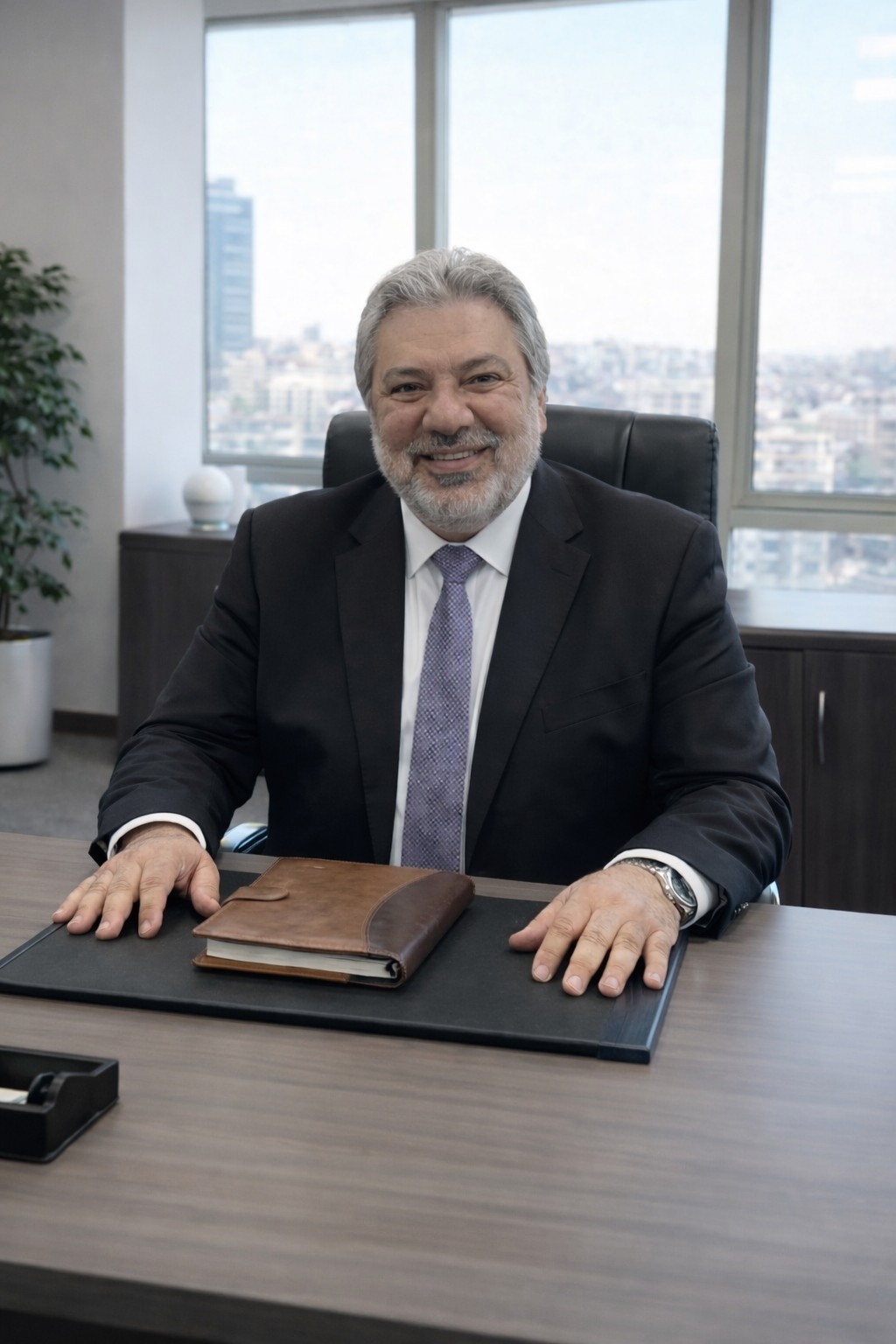
Walid Bergaoui
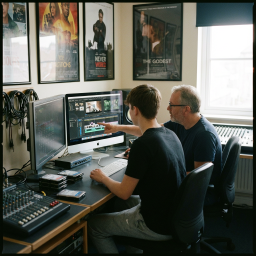
You have a phone full of pictures, footage sitting on a drive, a story to tell — a trip, an event, a brand, a project close to your heart. Editing is the art of turning these raw fragments into a film that captivates, moves, and makes people want to watch all the way through. This course meets you wherever you are, even with no experience at all, and walks you step by step to your first finished video — clean and ready to share.
The approach is entirely hands-on. You discover your editing software and get comfortable with it: importing and organizing your footage, laying your shots on the timeline, cutting at the right moment, choosing the right pace. Then you bring your film to life — smooth transitions, balanced sound, well-mixed music and voice, color grading, readable titles and subtitles, and those little effects that make all the difference. Every session is built around a real project: you don't just watch, you edit.
By the end of the course, you walk away with a fully edited video — from the opening shot to the closing credits — and, above all, with a repeatable method you'll apply to all your future projects: social media, family memories, professional content, or a first step toward a career. You'll know how to tell a story in images, hold a rhythm, polish the sound, and export in the right format for each platform. The camera captured the moment; now it's you who gives it all its meaning.
Your work deserves to be seen. Once your film is edited, BSF gives it the stage and the audience:
A finished, exportable video — a complete edit, ready to publish, and a method you'll reuse endlessly.
Free hosting — your video is published online on BSF, at no cost whatsoever.
Your personal page — a showcase in your name to present all your work.
A real audience — your viewers discover you, react, and share your film on the BSF social network, Facebook, and other networks.
A 100% hands-on course, from the first import to the final export. Every session moves a real project forward: you learn by editing, and you walk away with a complete film and a reusable method.
1. Discovering the software and the interface — navigating the editing screen, windows, timeline, and the essential shortcuts to work fast and stress-free.
2. Importing and organizing your footage — creating a clean project, sorting videos, sounds, and images, understanding formats, resolutions, and frame rates.
3. Laying your first shots on the timeline — placing, moving, and stacking shots, working with video and audio tracks, previewing your edit.
4. The art of the cut — cutting, trimming, and joining shots at the right moment; finding the in and out points that create rhythm.
5. Building the story and the rhythm — choosing the order of shots, varying their length, creating tension, and keeping the viewer's attention.
6. Transitions — hard cut, fade, and useful transitions: when to use them, and how to avoid overdoing it.
7. Working with sound — balancing levels, cleaning up dialogue, managing audio fades for a clean, professional result.
8. Music and voice-over — adding music at the right tempo, laying down a voice-over, and mixing it all without drowning out what matters.
9. Color grading — correcting exposure and tones, giving your film a mood and visual consistency throughout.
10. Titles and subtitles — creating a title, end credits, and readable subtitles; refining the typography and placement on screen.
11. Effects and finishing touches — cropping, zoom, slow and fast motion, stabilization: the touch-ups that deliver a polished result.
12. Exporting for each platform — choosing the right format and quality for social media, the web, or the screen, and publishing your finished video.
Initiation au Montage Vidéo
Initiation au Montage Vidéo
No comments yet.
Log in to comment.